
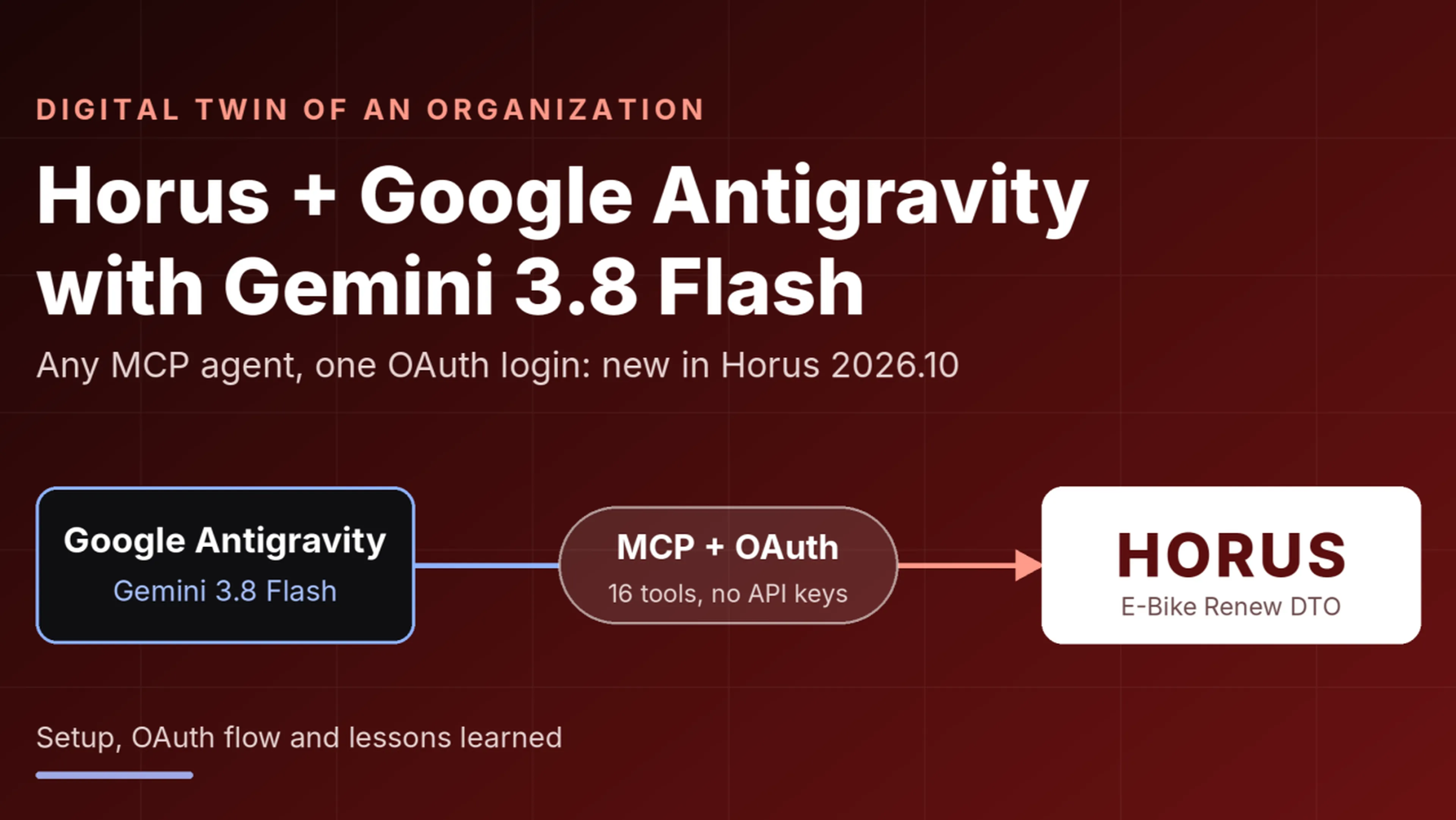
How OAuth support in the Horus MCP connector makes it easy to use a different AI agent, and what happened when we generated a full organizational model for a fictional e-bike recycling company.
My usual setup, and why I tried something different
When I work with Horus and AI, I normally use Claude Opus models together with Claude Desktop or Claude Cowork. That combination works very well for modeling tasks. It handles long, multi-step instructions reliably and talks to Horus through the MCP connector.
Since Horus 2026.10, the Horus MCP connector supports OAuth. Before, connecting an MCP client meant fiddling with credentials. Now any MCP-capable client can authenticate through the normal Horus login. So I wanted to find out whether a completely different agent stack would work with the same connector, without any special preparation.
I chose Google Antigravity with Gemini 3.8 Flash as the model. This post is mostly about how the setup works and what it was like. The content of the resulting model is secondary.
What is a Digital Twin of an Organization?
A Digital Twin of an Organization (DTO) is a structured, living model of how a company works: its strategy, processes, organization, roles, data objects and IT systems, all linked in one repository. The Horus Method from Horus software GmbH provides the model hierarchy for this (context, strategy, processes, organization, human resources, objects, technical resources). The cloud platform links the layers with each other so everything stays traceable.
Setup: connecting Horus to Antigravity
Step 1: Add the MCP server
Antigravity manages MCP servers under Customizations → MCP Servers. The configuration is just the server URL, with no keys or tokens:
{
  "mcpServers": {
    "horus": {
      "url": "https://cloud.horus.biz/<yourtenant>/mcp"
    }
  }
}
Right after adding it, the server shows up with a red status and the message "Unauthorized". That is expected, because OAuth hasn't happened yet.
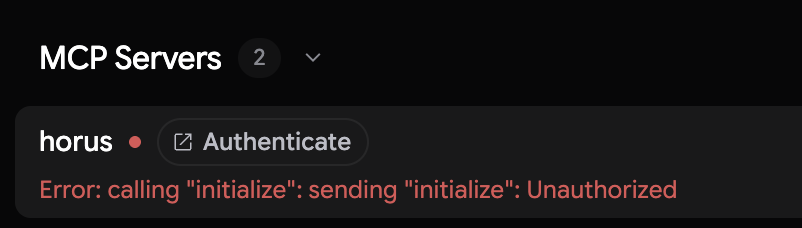
Antigravity Customizations with the horus server showing "Authenticate" and the Unauthorized error
Step 2: Authenticate via OAuth
Clicking Authenticate opens the Horus consent page in the browser. You are already logged in, and Horus asks whether Google Antigravity may access your workspace. It requests two scopes: read content you have access to, and modify content you can edit.
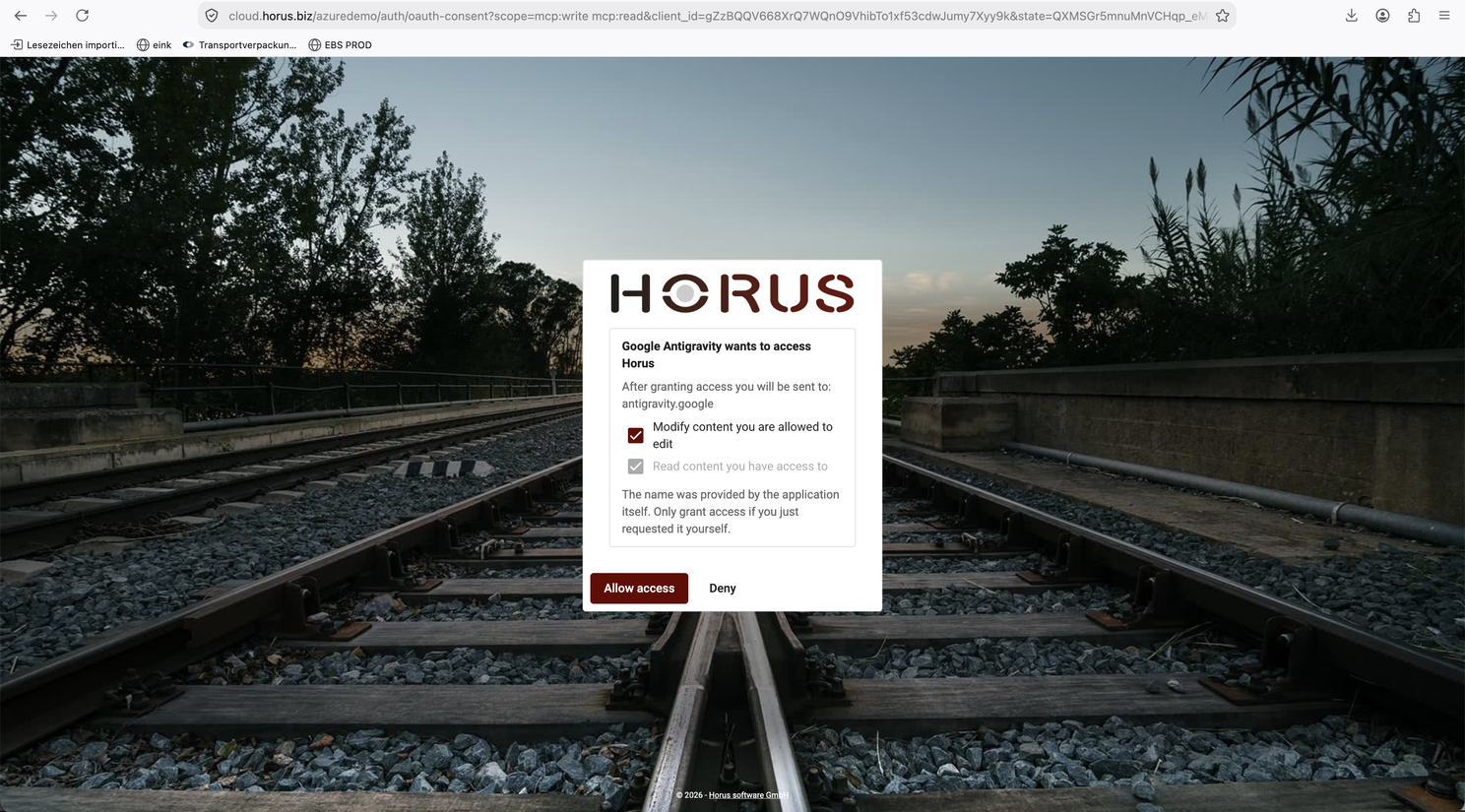
Horus OAuth consent screen
After you click Allow access, you are handed back to Antigravity. In my case the client asked for the authorization code to be pasted into a field, which is a quick extra step.

pasting the authorization code in Antigravity
Step 3: Check the tools
Once authenticated, the server turns green and shows 16 tools that Antigravity can call: reading the method context and worksheet descriptions, creating worksheets, managing elements and relationships, loading tabular data, auto-layout, and fetching worksheet images.

horus server connected, 16 tools enabled
Step 4: Permissions per tool
Antigravity asks for permission before using an MCP tool for the first time. You can allow it once, for the current conversation, or permanently. For a long modeling session, "always allow in this conversation" saves a lot of clicking, while still leaving you in control of what the agent may do.
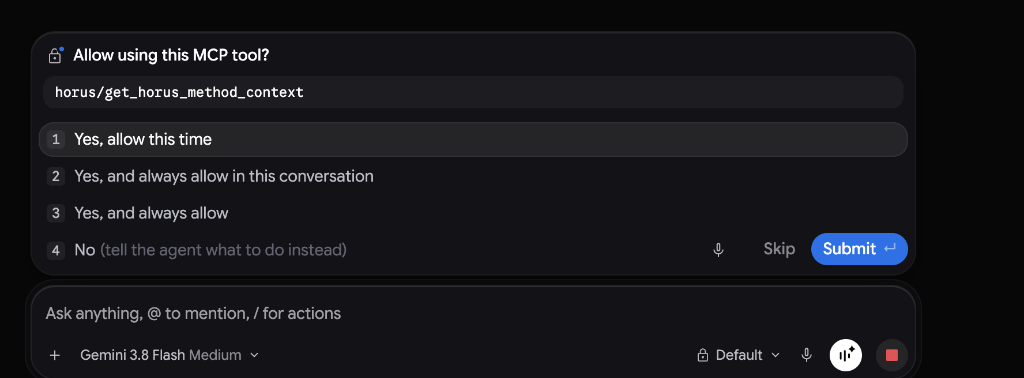
permission prompt for horus/get_horus_method_context, with Gemini 3.8 Flash selected as the model
The experiment
The task for the agent was a multi-page specification to build a complete DTO for E-Bike Renew, a fictional e-bike recycling and refurbishing company preparing a business software transformation (CX, ERP, SCM, HCM), in an empty Horus workspace. The input also included an Excel file with 123 functional requirements.
Gemini 3.8 Flash worked through the specification step by step. It first fetched the method context, then confirmed the workspace was empty, then created the models and relationships, using manage_elements and auto_layout_worksheet.
The result is a complete folder in the Horus repository: context model, the BizTransform27 strategy models (objectives, strategies, SWOT, risks, KPIs, services), an L1 core process, seven L2 processes, plus organization, roles, systems architecture and the imported requirements.
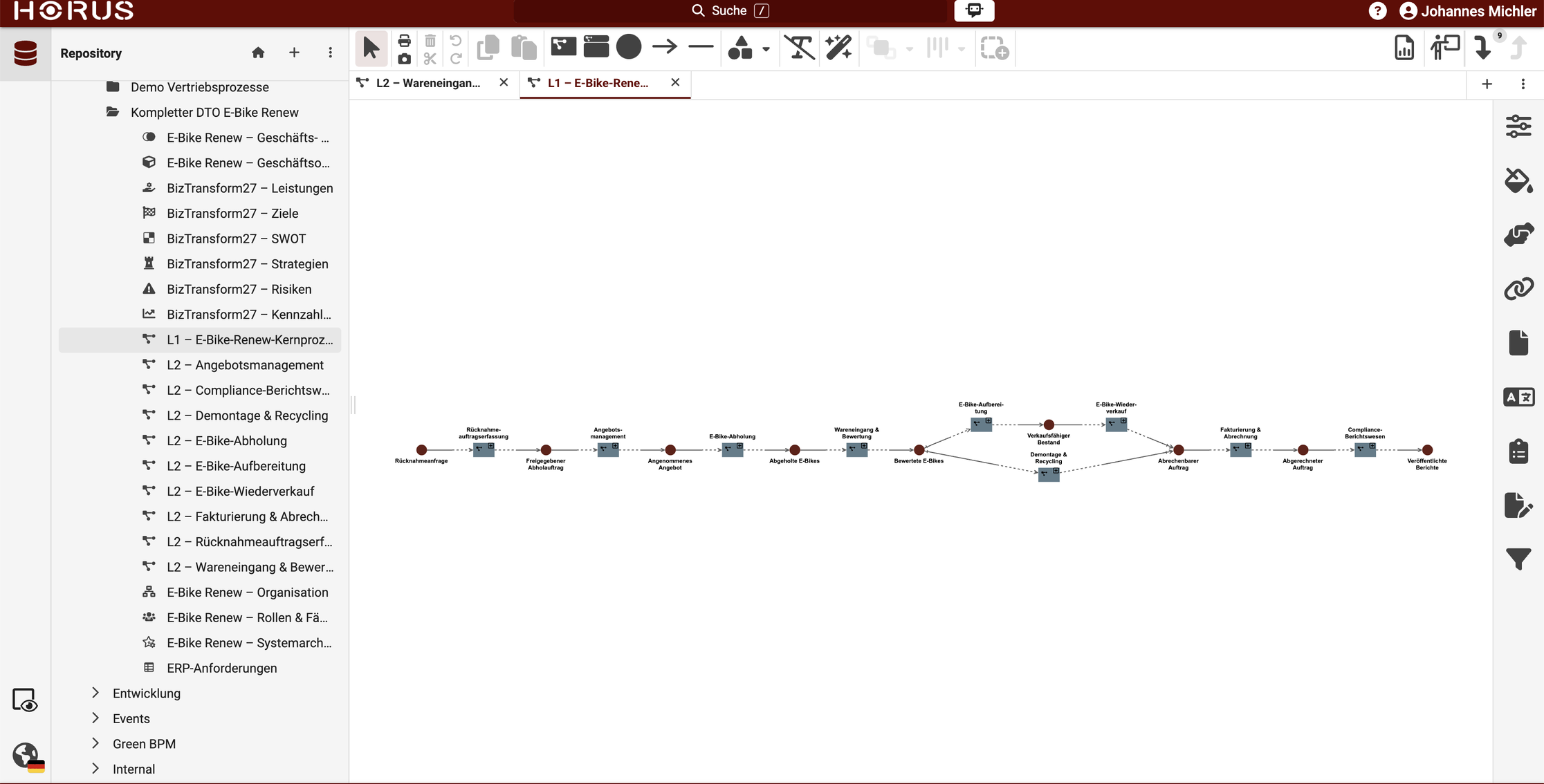
Horus repository with the generated "Kompletter DTO E-Bike Renew" folder and the L1 core process
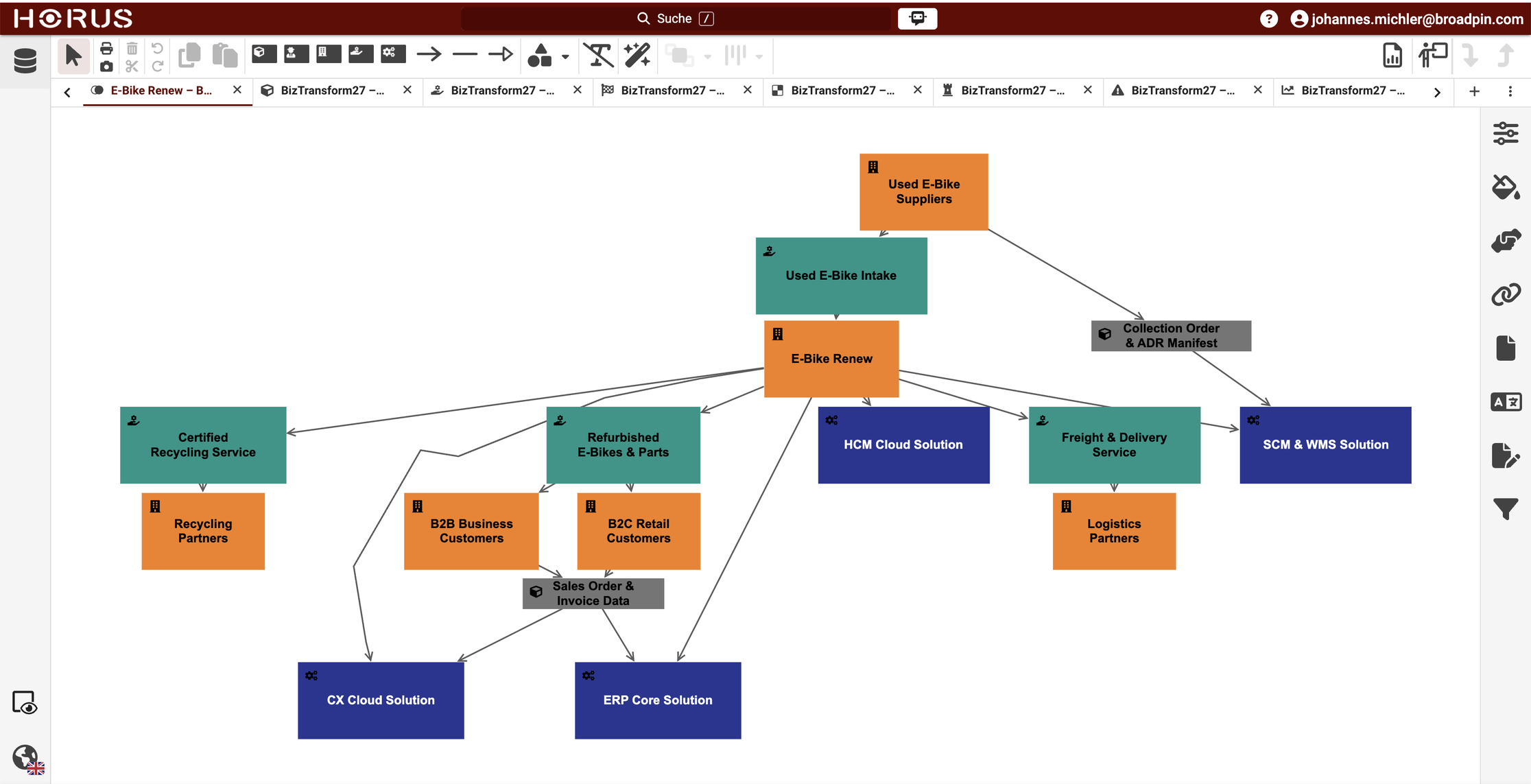
the generated Business & System Context model with suppliers, customers, services and system domains
What I learned about the setup
It just works. The OAuth-based connector means the agent platform is almost interchangeable. The same Horus MCP server that I use from Claude Desktop and Cowork worked in Antigravity without any adjustments.
Fast and cheap, but with limits. Gemini 3.8 Flash is quick, which suits the mechanical part of the work: many manage_elements calls with well-defined schemas. The Horus method is formally defined (element types, edge types, naming rules), which helps a lot here.
Context budget is the real constraint. A DTO involves dozens of API calls and hundreds of element IDs that must be tracked across calls. A practical approach is to checkpoint often and split the work, for example one agent per model type. Antigravity's /swarm skill, which runs several agents in parallel, could be interesting here, though it is marked as preview and quota-heavy.
API details need to be learned from errors. The agent sent localized strings as JSON strings instead of plain objects, and the Horus API rejected them. After the first error it corrected itself and reused the right format. The same goes for the rule that no line in an element name may exceed 18 characters, which needed reminders, especially for long German compound words.
Human review still matters. The process logic (when to quarantine a bike, what triggers a supplier discrepancy) and the requirement mapping need domain expertise. The auto-layout is a good start, but diagrams for documentation usually need manual cleanup in the Horus UI.
Bottom line
For me, the most interesting finding is not which model is better, but that the choice has become flexible. I still prefer Claude Opus with Claude Desktop/Cowork for demanding modeling work. But with OAuth in the Horus MCP connector (Horus 2026.10), trying Antigravity with Gemini 3.8 Flash took only a few minutes: add a URL, authenticate, allow the tools. The agent handles the volume, and a human handles the judgment.
This serves very well in the context of many of our Broadpin customers when implementing Oracle Applications; especially with the latest Fusion Companion, AI Agents, Claw and FSCR features!