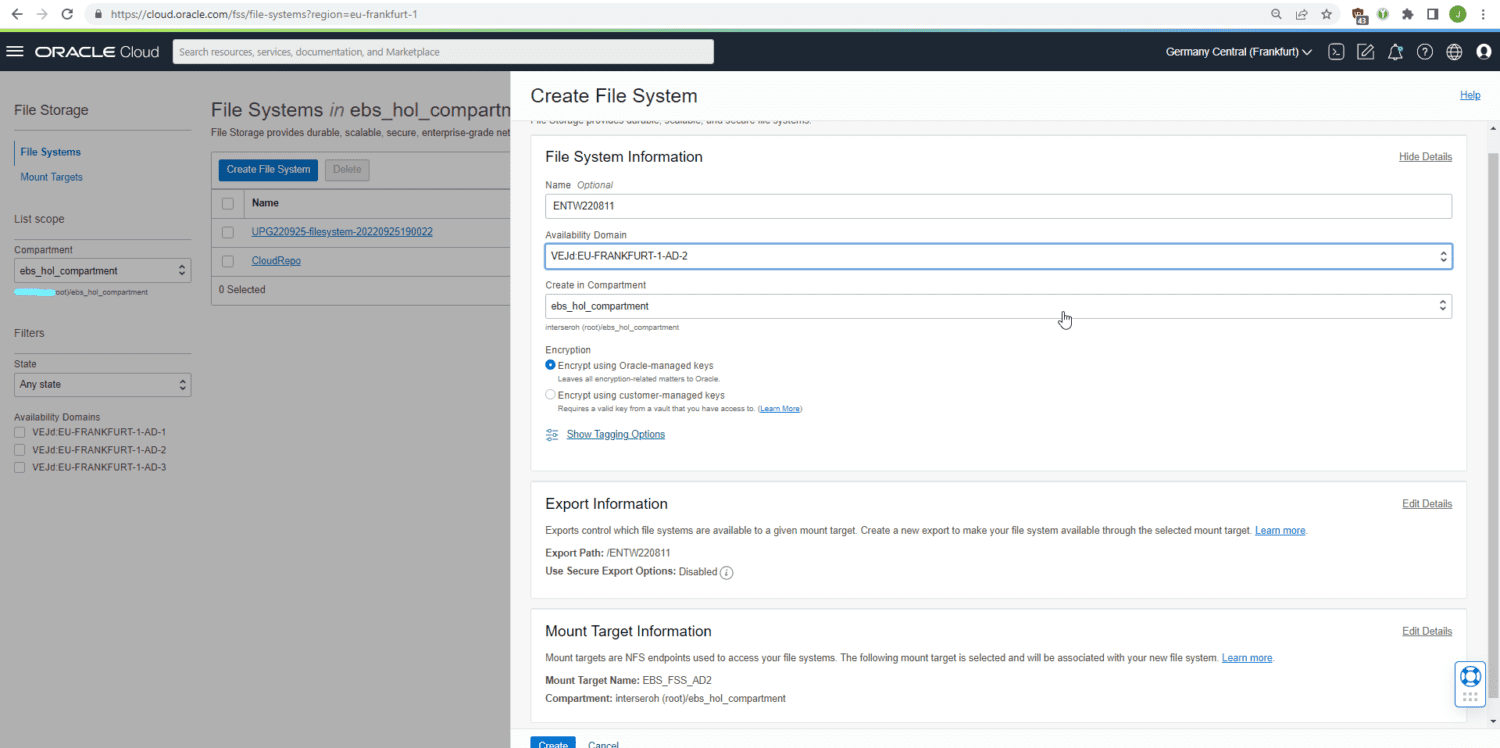
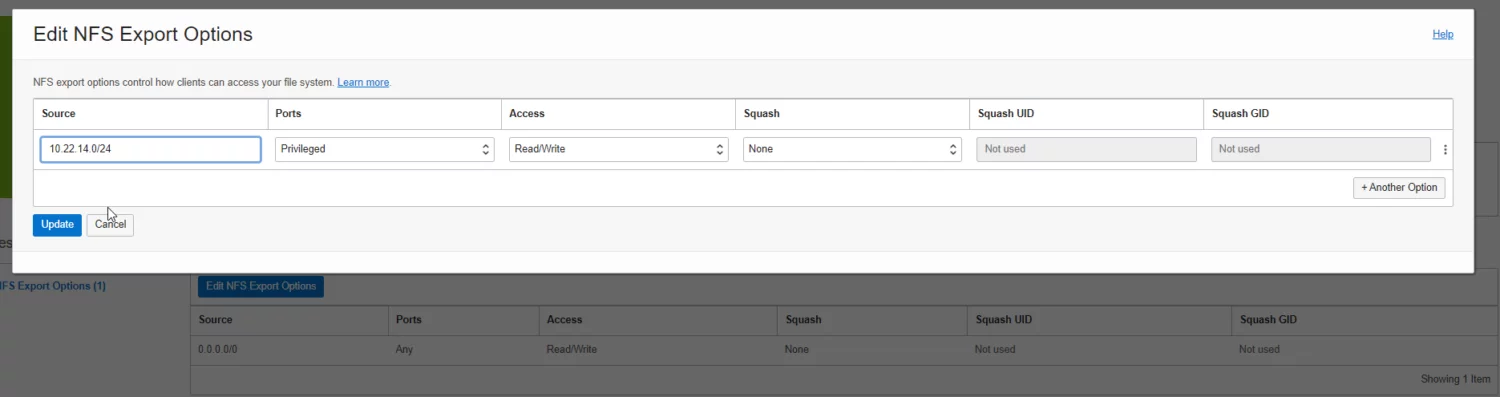
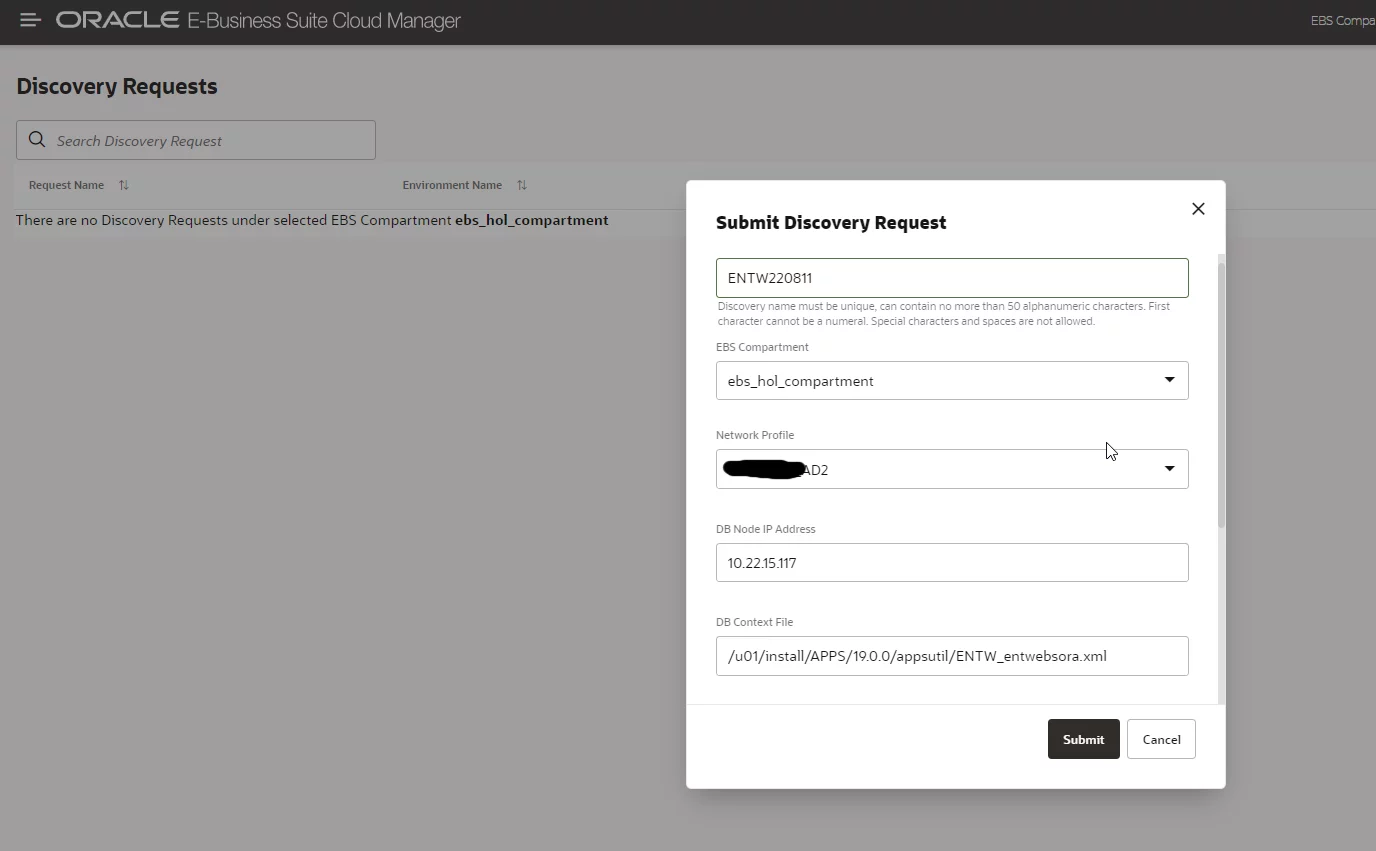
After these preparatory steps, we stop the entire environment and copy the content from the previous /u01 block volume over to the new FSS mount point /mnt/fss. Performance can be greatly improved by using fss-parallel-tools and parcp for this. For volumes of considerable size, an incremental operation can also be handy; but for the 300 GB one usually used for the apps-tier doing the migration in a 1-2 hours downtime is usually not a problem:
. setenv_run.s
adstpall.sh -mode=allnodes
~/stop_apex122.sh
sudo parcp --restore /u01/install /mnt/fss/
If working in a multi-node environment, then on the second apps-tier the mount through NFS to the primary apps-tier then needs to be replaced with a mount to the FSS mount target.
After the copy is finished, the old /u01/install mountpoint is retired and FSS is mounted to /u01:
sudo umount /u01
sudo vi /etc/fstab
10.22.9.97:/ENTW220811 /u01 nfs rw,bg,hard,timeo=600,nfsvers=3 0 0
sudo mount /u01
Then, start the apps-tier again:
. setenv_run.s
adstrtal.sh -mode=allnodes
~/start_apex122.shh