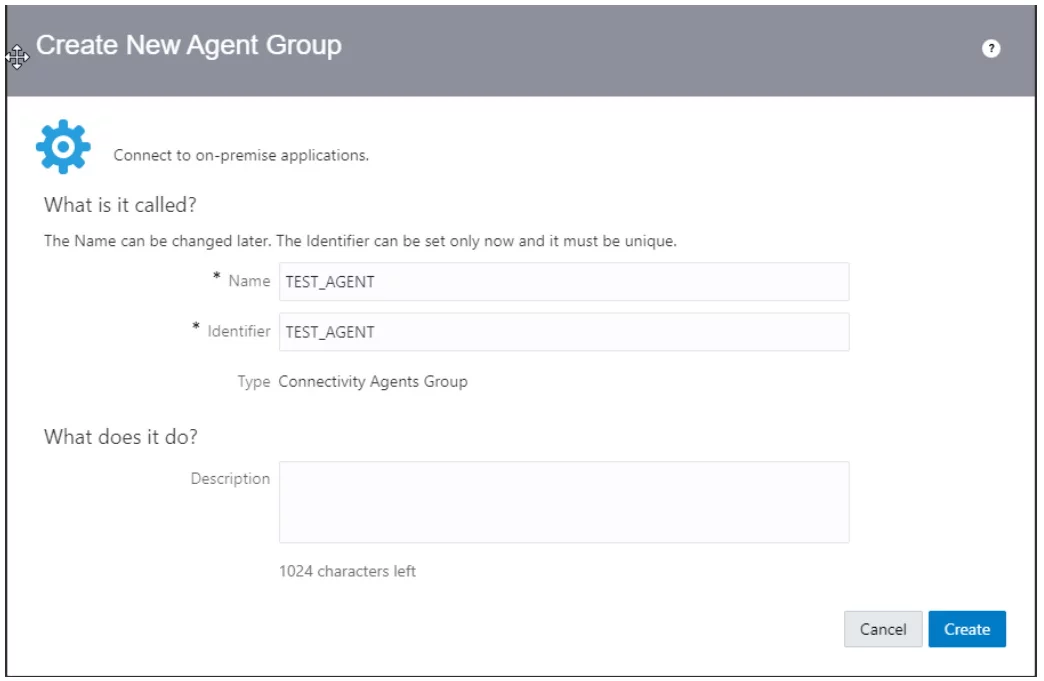
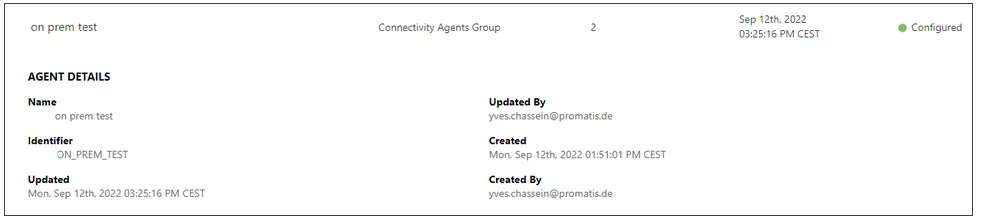
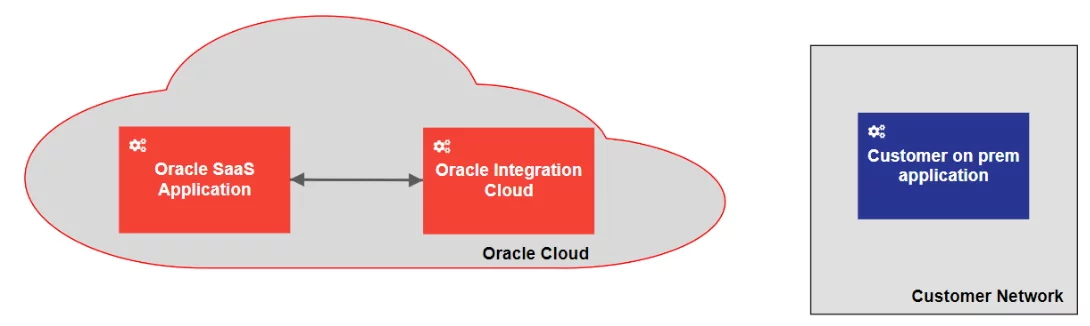
In integration projects, it is often needed to integrate cloud applications with on-prem systems running in the clients network. In most cases, the client network is not accessible from the internet. This situation makes the task of integrating this system for a cloud integration platform, such as the Oracle Integration Cloud (OIC), almost impossible.
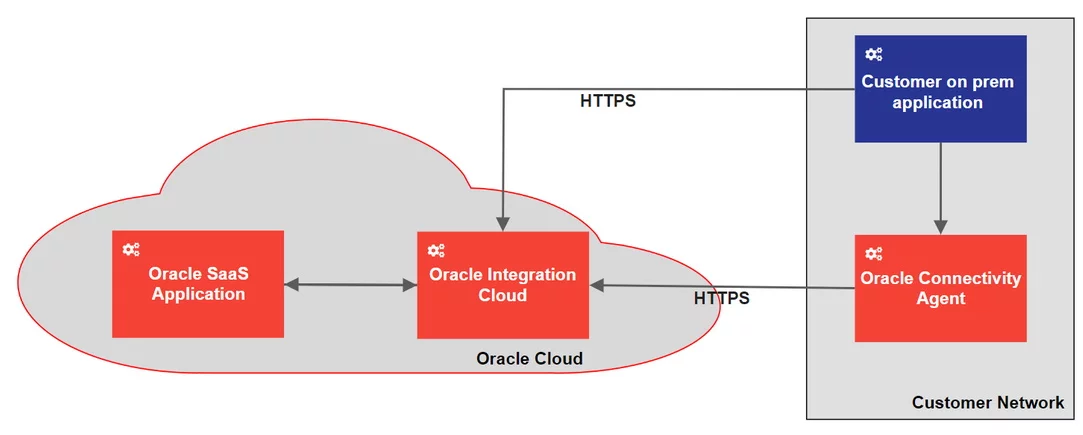
Fortunately, the OIC comes with a functionality named Oracle Connectivity Agent (OCA). The small Java program that can be run as a service on a linux machine closes this gap. The OCA can currently work with the following OIC adapters as outbound (invoke) connection:
DB2
File
FTP
Microsoft SQL Server
MySQL Database
Oracle Database
Oracle E-Business Suite
REST
SAP
Siebel
SOAP
Kafka
WebLogic JMS
IBM MQ Series – JMS
As well as the following adapters as inbound (trigger) connection:
DB2
File
JMS
Microsoft SQL Server
MySQL Database
Oracle Database
Oracle E-Business Suite
SAP
Siebel
WebLogic JMS
IBM MQ Series – JMS
(Some) Advantages of the OCA are:
No ports need to be opened on the on-prem server,
all connections between COA und OCI will be SSL secured,
all communication is initiated from the OCA.
The basic pattern of how to use the OCA is the public internet pattern. In this pattern, the OAC will be installed in the customer network and communicate between the on-prem application and the OIC. The all connections will be via the public internet.
More information about the OCA can be found in the according Oracle Documentation (namely https://docs.oracle.com/en/cloud/paas/integration-cloud/agent.html) as well as in the related tutorial provided by Oracle (at https://docs.oracle.com/en/cloud/paas/integration-cloud/integrations-user/create-integration-exchange-messages-oracle-integration-and-local-host.html#GUID-F92564A0-8C6F-4C35-A5EE-B3F19571B616).