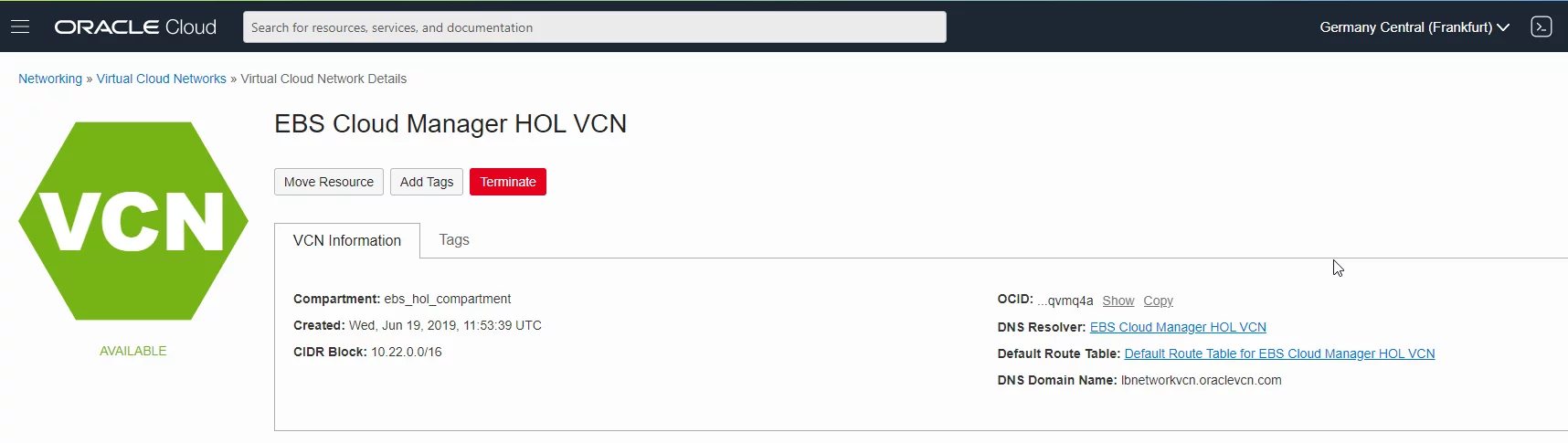
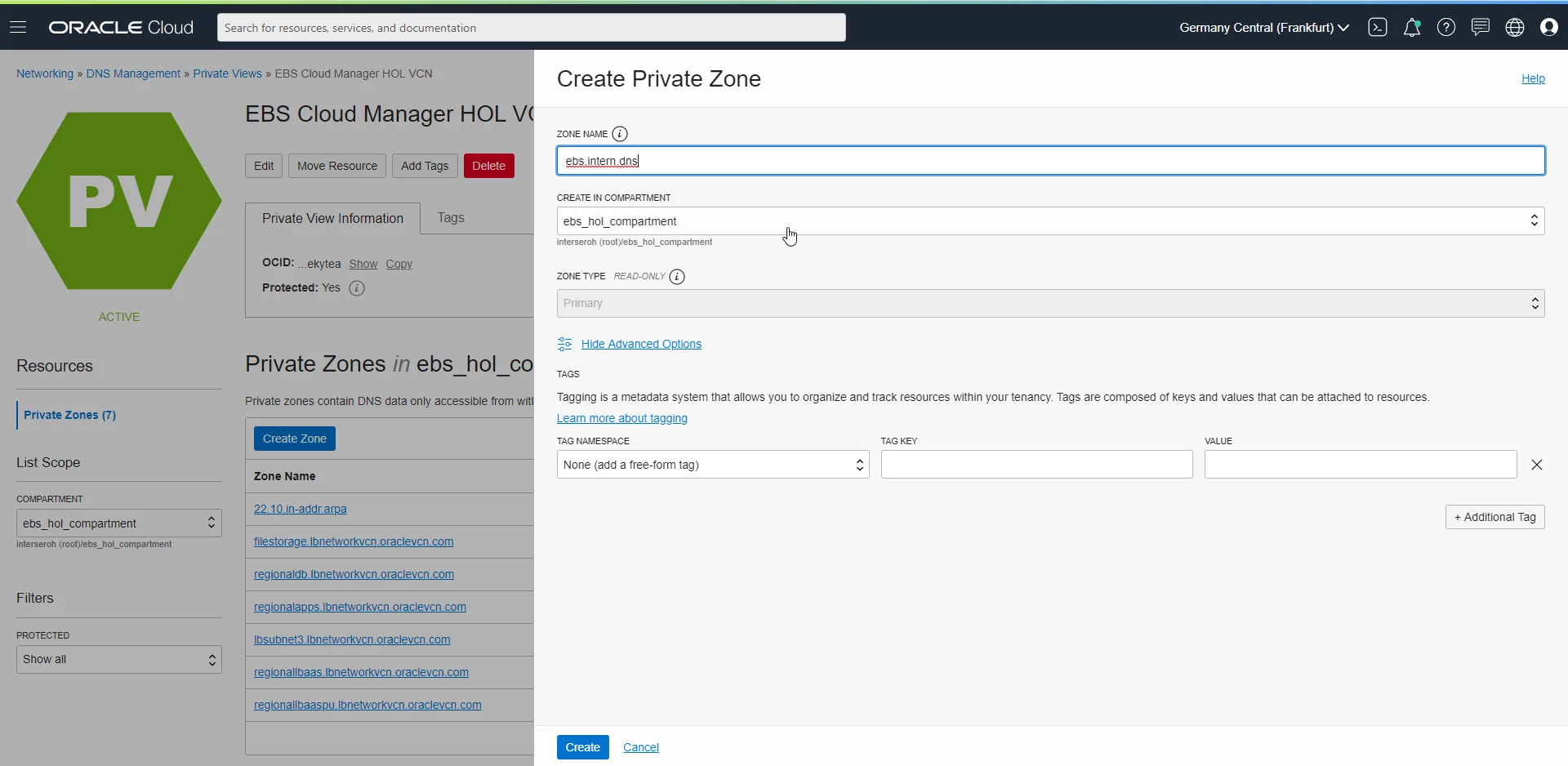
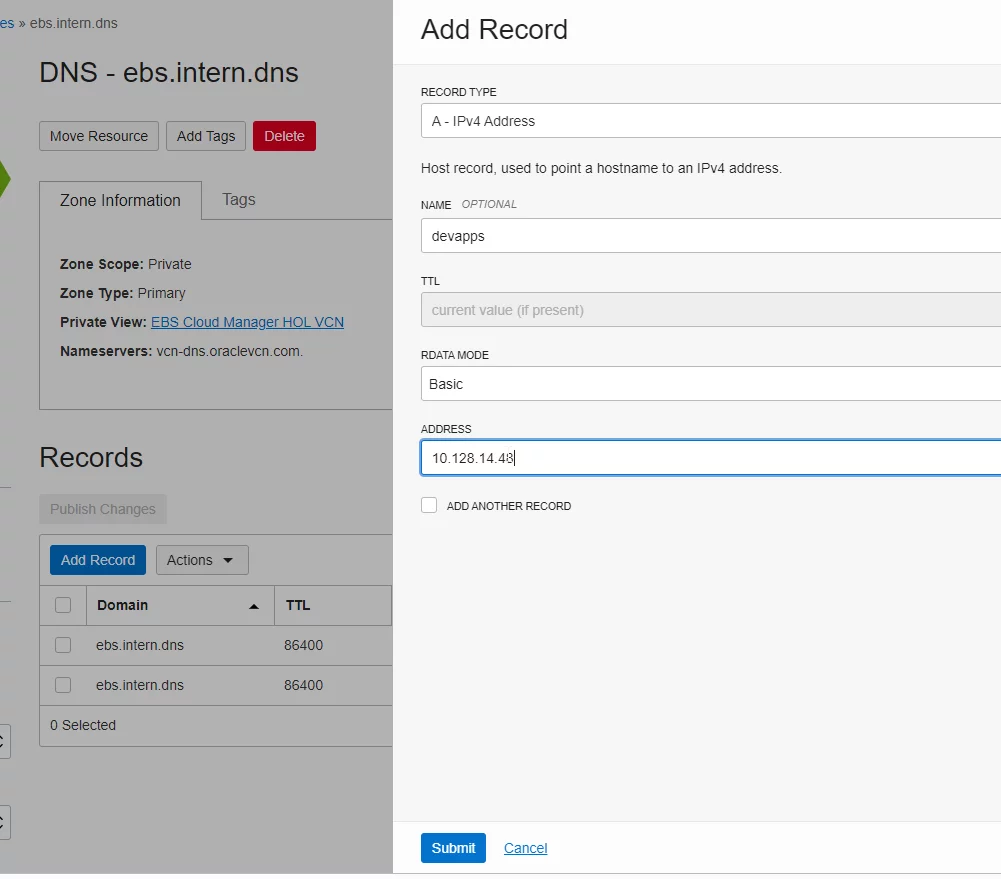
In the past, customers were forced to use Oracle provided DNS servers when using OCI / Cloud Manager. Only using these “black box” DNS servers, which are available under 169.254.169.254, can the Cloud Manager tool resolve the automatically started instances. This however has one major drawback: If the EBS servers need to resolve “internal” hosts (such as an E-Mail server or NFS Shares) one had to manually (or by scripting) modify the local /etc/hosts file on each server. If the IP addresses then continue to change, this had to be altered manually. Furthermore, this way it is not possible to have more than one IP for a logical DNS name.
A second area of constant trouble was that when e.g. providing a new EBS Clone for testing, it was always necessary to ensure that the IP address of this instance (or its load balancer) was entered in the companywide DNS directory. Often times, this is a different team than the team creating EBS clones. I have often yearned for a way to tell the companywide DNS directory that the entire zone ebs.company.com is managed by an OCI DNS server where the EBS admins themselves can create entries for devapps.ebs.company.com and so on.
In the past, both requirements could only be solved by installing a custom DNS server on OCI, which adds additional management efforts.