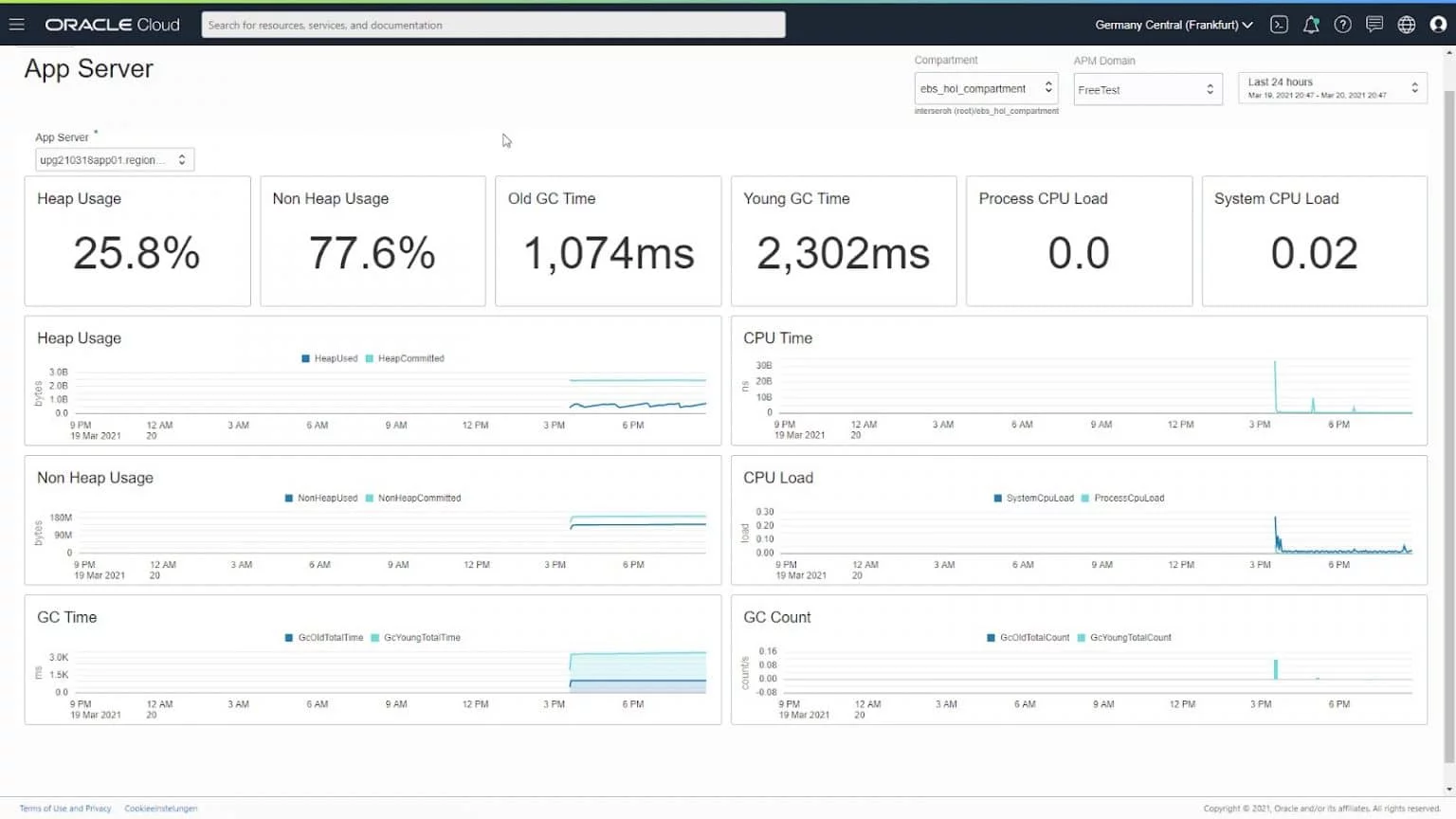
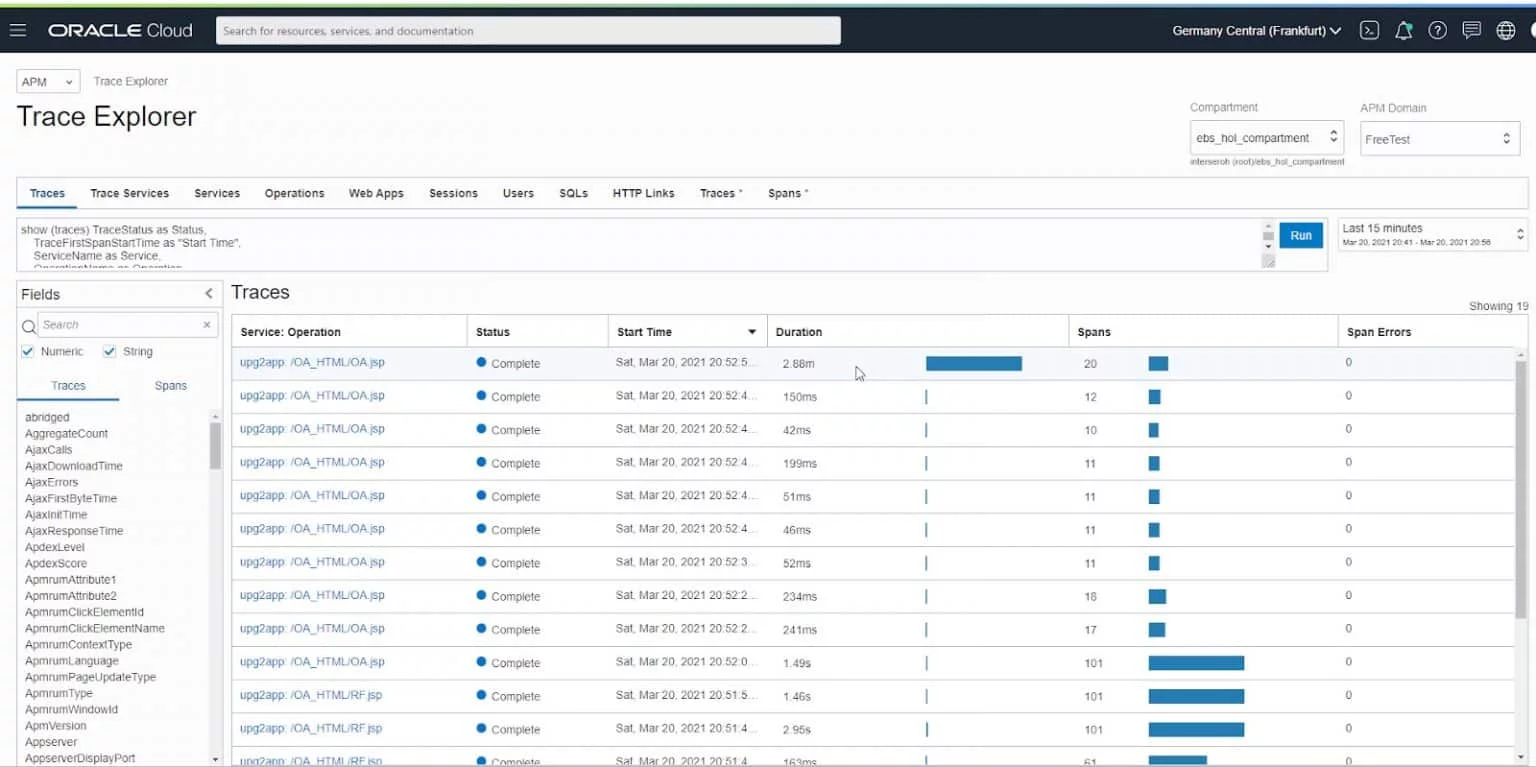
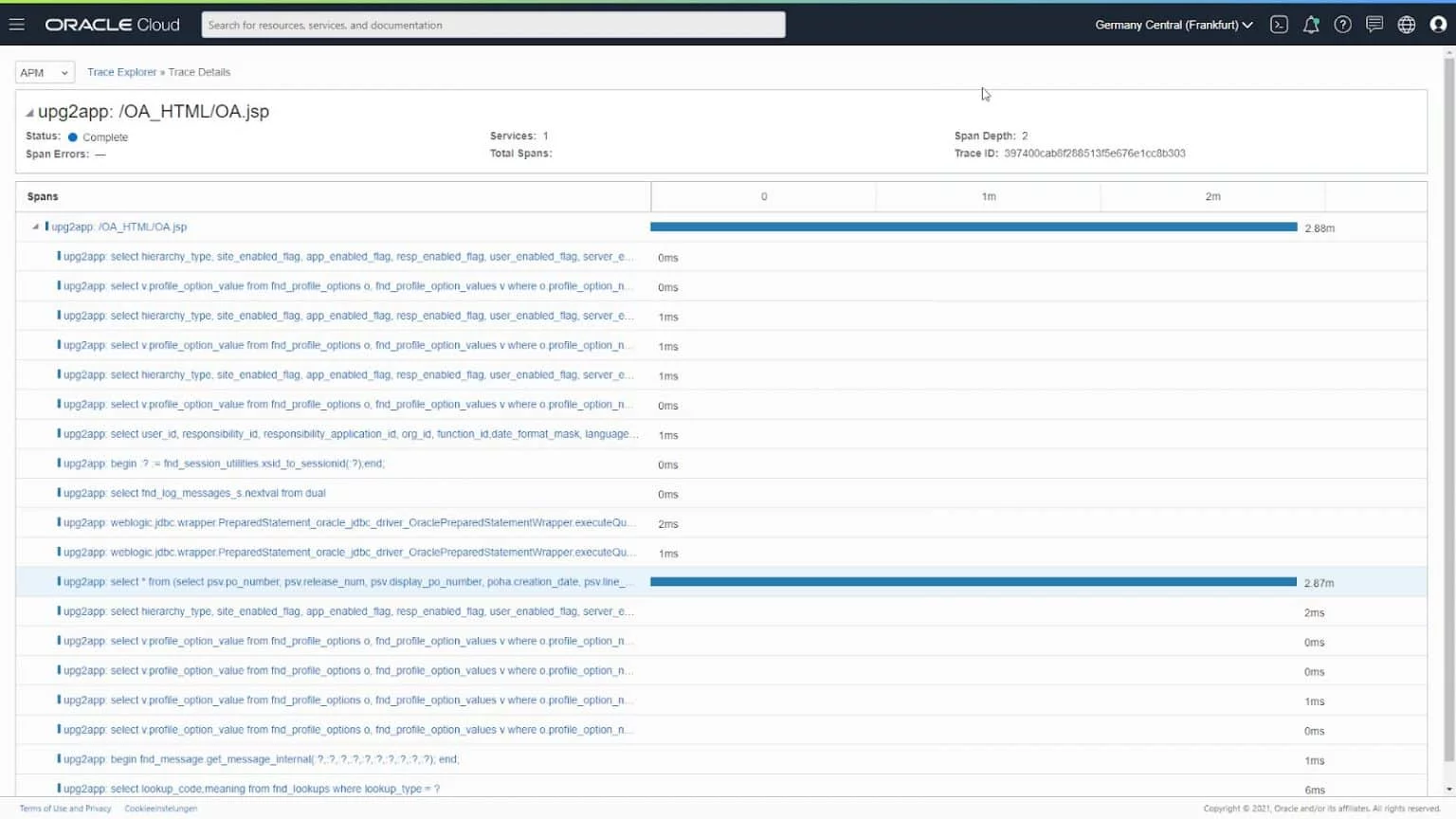
There is a potential risk for confusion between the installation guide of the new service and the old service, that has dedicated guidance on how to install in an E-Business Environment.
Combining the two guides gives a good guidance on how to enable the new APM Java Agent for an E-Business Suite 12.2.10 environment:
1. Create a new (free) APM Domain in the OCI Console:
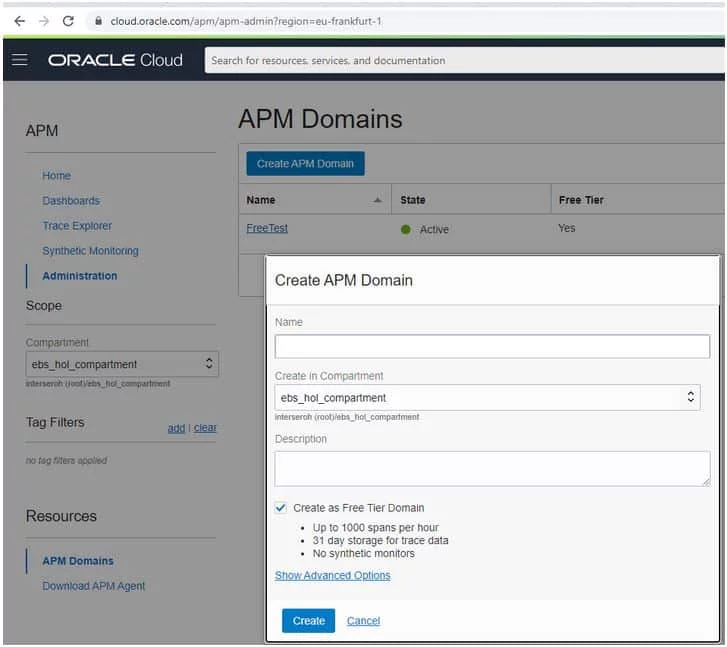
2. Download the APM Agent in the “Resources” section to the E-Business Suite (primary) Application Server.
3. Install the APM Agent (you can get the private data key as well as the endpoint from the Administration Section in the OCI Console):
java -jar apm-java-agent-installer-1.0.1389.jar provision-agent -service-name=upg2app -destination=/u01/install/APPS/fs_ne -private-data-key=XXXXXYYYY -data-upload-endpoint=https://xxxx.apm-agt.eu-frankfurt-1.oci.oraclecloud.com
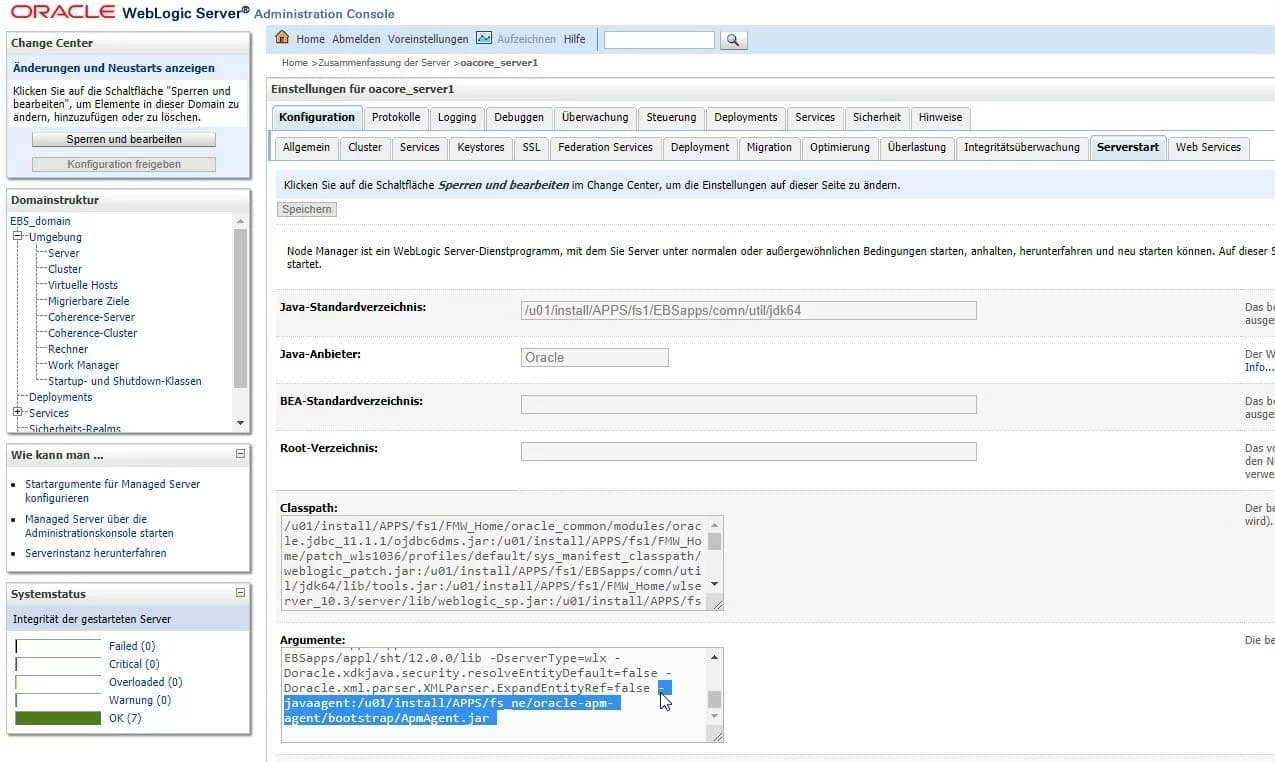
4. Open the Weblogic Administration Console of the E-Business Suite environment and add -javaagent:/u01/install/APPS/fs_ne/oracle-apm-agent/bootstrap/ApmAgent.jar to each Managed Server that you want to monitor:
5. Bounce the E-Business Suite Environment