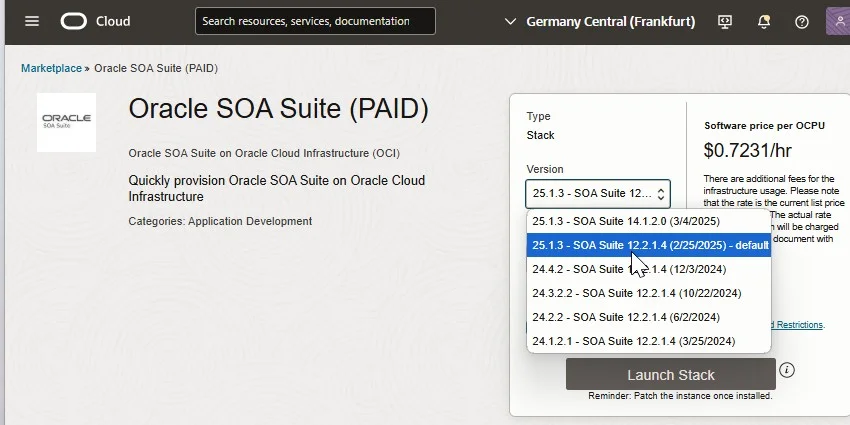
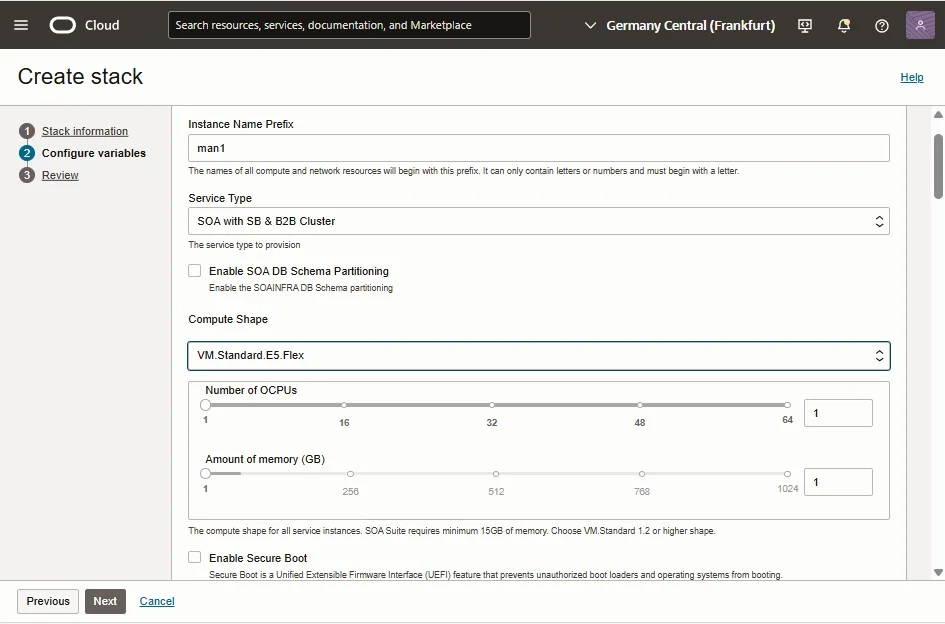
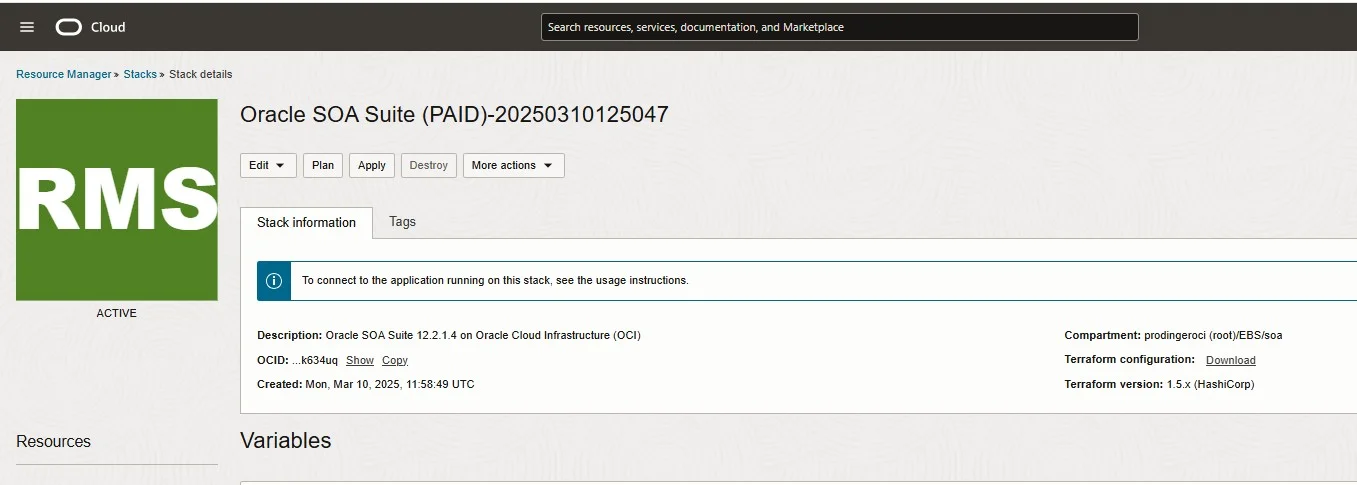
To automate the provisioning, you first of all have to prepare the OCI Command Line Interface (CLI). This is described over there: https://docs.oracle.com/en-us/iaas/Content/API/SDKDocs/cliinstall.htm
Then you can download the terraform configuration (a zip file) and the variables defined through the UI using the following two commands:
oci resource-manager stack get-stack-tf-config --stack-id $MAN_STACK_OCID --file /u01/soa-otm/soa_stack_jan2025.zip
oci resource-manager stack get --stack-id $MAN_STACK_OCID
The first command creates a zip file with the terraform config from Cloud Marketplace. The second command should give an output as follows:
{
"data": {
"compartment-id": "ocid1.compartment.oc1..XXXXXZZZZ",
"config-source": {
"config-source-type": "ZIP_UPLOAD",
"working-directory": null
},
"custom-terraform-provider": null,
"defined-tags": {
"Oracle-Tags": {
"CreatedBy": "default/johannes.michler@promatis.de",
"CreatedOn": "2025-03-10T11:58:49.525Z"
}
},
"description": "Oracle SOA Suite 12.2.1.4 on Oracle Cloud Infrastructure (OCI)",
"display-name": "Oracle SOA Suite (PAID)-20250310125047",
"freeform-tags": {
"marketplace-listing-id": "79644714"
},
"id": "ocid1.ormstack.oc1.eu-frankfurt-1.XXXXXZZZZ",
"is-third-party-provider-experience-enabled": true,
"lifecycle-state": "ACTIVE",
"stack-drift-status": "NOT_CHECKED",
"terraform-version": "1.5.x",
"time-created": "2025-03-10T11:58:49.718000+00:00",
"time-drift-last-checked": null,
"variables": {
"adv_db_connectstring": "testc240930db-scan.dbsubnet.ebsnetwork.oraclevcn.com:1521/TESTC",
"adv_db_password": "XXXXXZZZZ",
"adv_db_user": "SYS",
"compartment_ocid": "ocid1.compartment.oc1..XXXXXZZZZ",
"db_strategy_existing_vcn": "Database Connection String (not recommended)",
"existing_vcn_id": "ocid1.vcn.oc1.eu-frankfurt-1.XXXXXZZZZ",
"instance_shape": "{\"instanceShape\"=\"VM.Standard.E5.Flex\",\"ocpus\"=1,\"memory\"=16}",
"network_compartment_id": "ocid1.compartment.oc1..XXXXXZZZZ",
"ons_topic_ocid": "ocid1.onstopic.oc1.eu-frankfurt-1.XXXXXZZZZ",
"private_endpoint_compartment_id": "ocid1.compartment.oc1..XXXXXZZZZ",
"private_endpoint_subnet_compartment_id": "ocid1.compartment.oc1..XXXXXZZZZ",
"private_endpoint_subnet_id": "ocid1.subnet.oc1.eu-frankfurt-1.XXXXXZZZZ",
"rcu_schema_password": "XXXXXZZZZ",
"rcu_schema_prefix": "xxsoatest",
"region": "eu-frankfurt-1",
"service_name": "xyz",
"ssh_public_key": "ssh-rsa AAAAB3NzaC1yc2EAAAADAQABXXXXXZZZZ rsa-key-prodinger-michler",
"subnet_compartment_id": "ocid1.compartment.oc1..XXXXXZZZZ",
"subnet_strategy_existing_vcn": "Use Existing Subnet",
"subnet_type": "Use Private Subnet",
"tenancy_ocid": "ocid1.tenancy.oc1..XXXXXZZZZ",
"use_custom_schema_password": "true",
"use_custom_schema_prefix": "true",
"use_email_notification": "true",
"wls_admin_password": "XXXXXZZZZ",
"wls_scaleout_node_count": "1",
"wls_subnet_id": "ocid1.subnet.oc1.eu-frankfurt-1.XXXXXZZZZ"
}
},
"etag": "0de8a5ecf0b02430a05966d297ac207e266ce71333142841043dba2d514f83ba--gzip"
}
From that output you must note down the compartment where you want to create the stacks (first real line; we'll refer to that as $SOA_COMPARTMENT later) and the entire "variables" block. Put the entire content of the "variables" block into a file /u01/soa-otm/stack-variables.json:

Saved stack-variables.json

:quality(80))