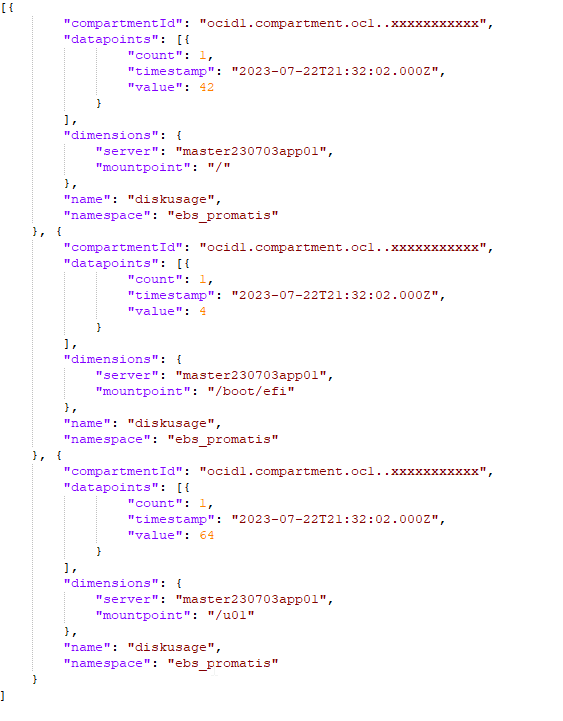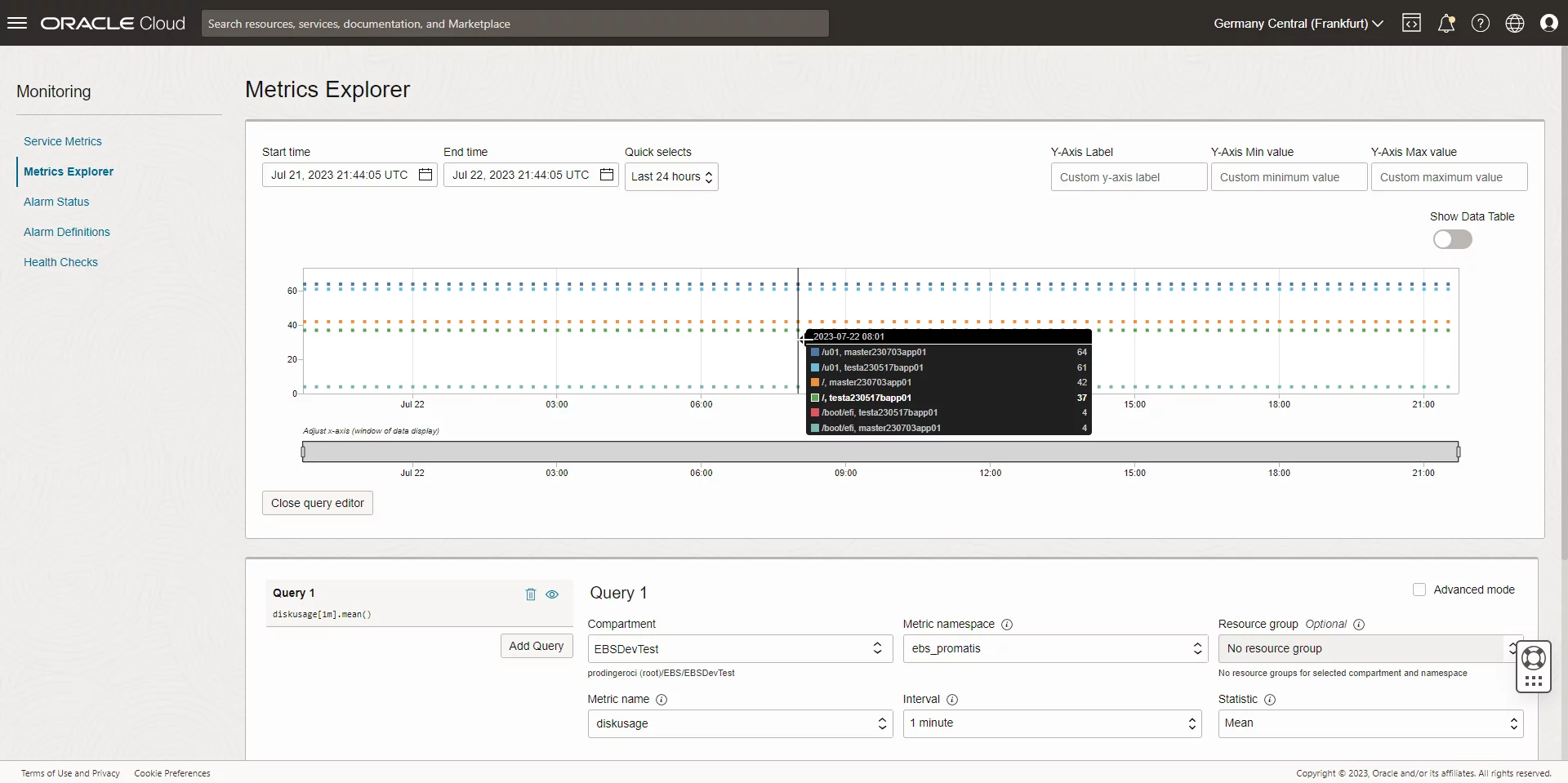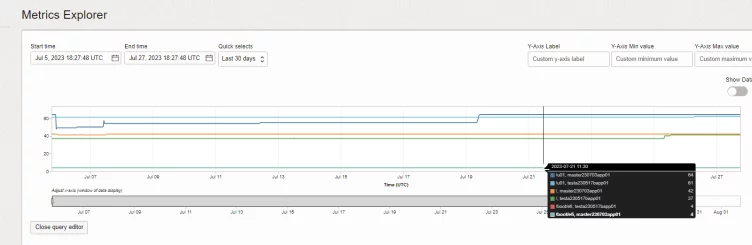
Screenshot showing Disk Usage Metrics
Oracle E-Business Suite (EBS) is a critical application that requires careful monitoring to ensure optimal performance and prevent potential disruptions. One crucial aspect of monitoring EBS instances is keeping track of free disk space. In this guide, we will explore how to effectively monitor the free disk space on Oracle E-Business Suite instances running on Oracle Cloud Infrastructure (OCI). We'll use the "df" command to fetch disk space information and send it to OCI Monitoring as a custom metric, enabling you to proactively manage disk space and maintain a reliable EBS environment.
Unfortunately, while OCI Monitoring services allow out of the box monitoring of many aspects of the environment, there is no pre-built functionality to monitor the free space per local mount point / file system. Such monitoring is especially necessary when the E-Business Suite application server is a single node and not stored on File Storage Service (FSS). Fortunately, it is not necessary to setup a separate monitoring tool such as nagios or check_mk to fix that; it is possible to ingest arbitrary monitoring data into OCI as follows.