
 Operating - installing and maintaining - Oracle Fusion Middleware, especially Oracle SOA Suite 12.2.1.4 is quite some work. Not only does installation itself consist of a number of steps, but each quarterly critical patch update also requires applying a number of patches and - especially in simple, single server environments quite some downtime.
This blog post series will cover how to run Oracle Fusion Middleware - especially Oracle SOA Suite on docker. The first post covered the high-level steps of manual installation, Docker and Kubernetes options and has pointers to the relevant Oracle certification documentation. The second post then described how - using OCI and Oracle Linux - a host to run docker containers can be setup up within minutes.
In this third post we will cover provisioning an Oracle Database instance to hold the meta data of Oracle SOA Suite.
In the 4th episode I'll investigate provisioning and configuring SOA Suite itself. While I'll first show those steps in a minimalistic way, to wrap up, the final episodes will cover patching and more advanced deployment options.
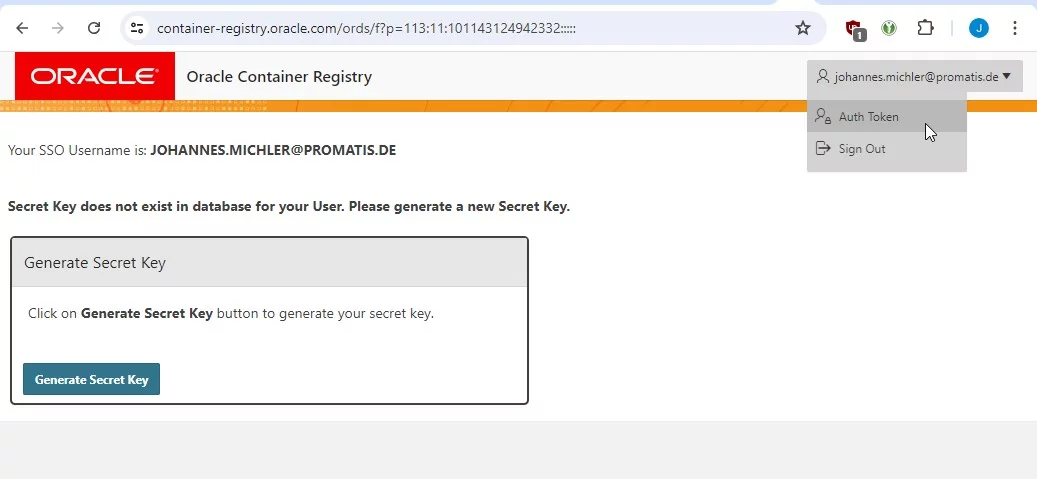 Creation of an Auth Token (Step 1)
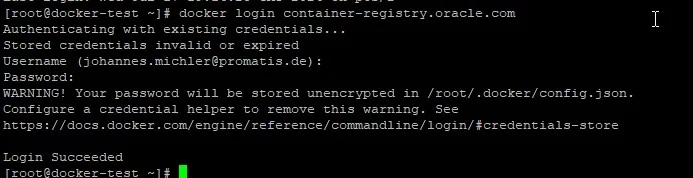 Successful login to Oracle Container Registry
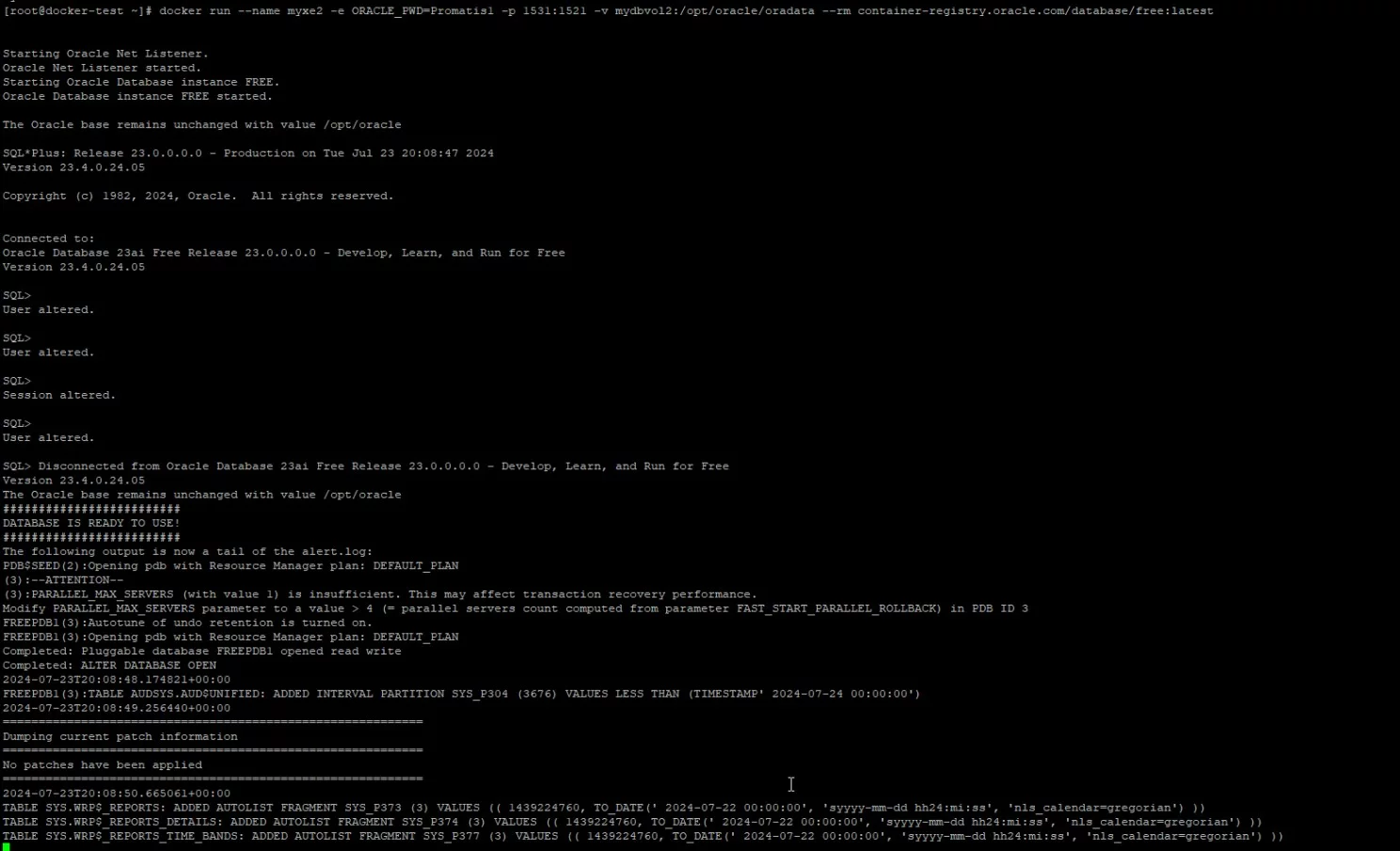 Initial startup of the new database
 Connection to newly started Oracle Database 23ai free