
:quality(80))
Recently I've written a blog series on how to run "SOA Suite on Docker" in general and then later on how this changes with SOA Suite 14c.
When having to start and stop multiple such instances in a recent PROMATIS customer project, I looked into docker compose and how it can automate the entire process even further.
Docker Compose file
Beside of installing docker and signing in to the Oracle Container registry as described here and here you have to create a new folder with the following docker-compose.yml:
services:
  soadb:
    image: container-registry.oracle.com/database/free:latest
    ports:
      - '1521:1521'
    networks:
      - soanet1
    environment:
      ORACLE_PWD: Promatis1
    volumes:
      - dbvol:/opt/oracle/oradata
  adminserver:
    image: container-registry.oracle.com/middleware/soasuite:14.1.2.0-21-ol9-241205
    ports:
      - '7001:7001'
    environment:
      CONNECTION_STRING: soadb:1521/freepdb1
      RCUPREFIX: SOA
      DB_PASSWORD: Promatis1
      DB_SCHEMA_PASSWORD: Promatis1
      ADMIN_PASSWORD: Welcome1
      DOMAIN_NAME: soainfra
      DOMAIN_TYPE: soa
      ADMIN_HOST: adminserver
      ADMIN_PORT: '7001'
      PERSISTENCE_STORE: jdbc
    volumes:
      - userprojects:/u01/oracle/user_projects
    depends_on:
      soadb:
        condition: service_healthy
    networks:
      - soanet1
  soamanagedserver1:
    image: container-registry.oracle.com/middleware/soasuite:14.1.2.0-21-ol9-241205
    command: /u01/oracle/container-scripts/startMS.sh
    ports:
      - '7003:7003'
    environment:
      MANAGED_SERVER: soa_server1
      DOMAIN_NAME: soainfra
      ADMIN_HOST: adminserver
      ADMIN_PORT: '7001'
      ADMIN_PASSWORD: Welcome1
      MANAGED_SERVER_CONTAINER: 'true'
      MANAGEDSERVER_PORT: '7003'
    volumes:
      - userprojects:/u01/oracle/user_projects
    depends_on:
      adminserver:
        condition: service_healthy
    networks:
      - soanet1
networks:
  soanet1:
    driver: bridge
volumes:
  userprojects:
  dbvol:
This file basically defines everything for a simple SOA Suite environment with a database, an admin server as well as a soa_server1 managed server. The services depend on the "previous" service to be healthy and expose the database on port 1521, the admin server on 7001 and the managed server on port 7003 to the host.
Starting and Stopping the service
With this prerequisite in place, you can create and start a SOA Suite environment with the following simple command (and by waiting roughly 5-15 minutes for downloading the images, setting up the database and starting the SOA services):
docker compose up -dTo bring the environment back again just issue:
docker compose downSince both the database and the user projects reside on a permanent volume (created on the first start), the second start has all that data still available (and is even faster).
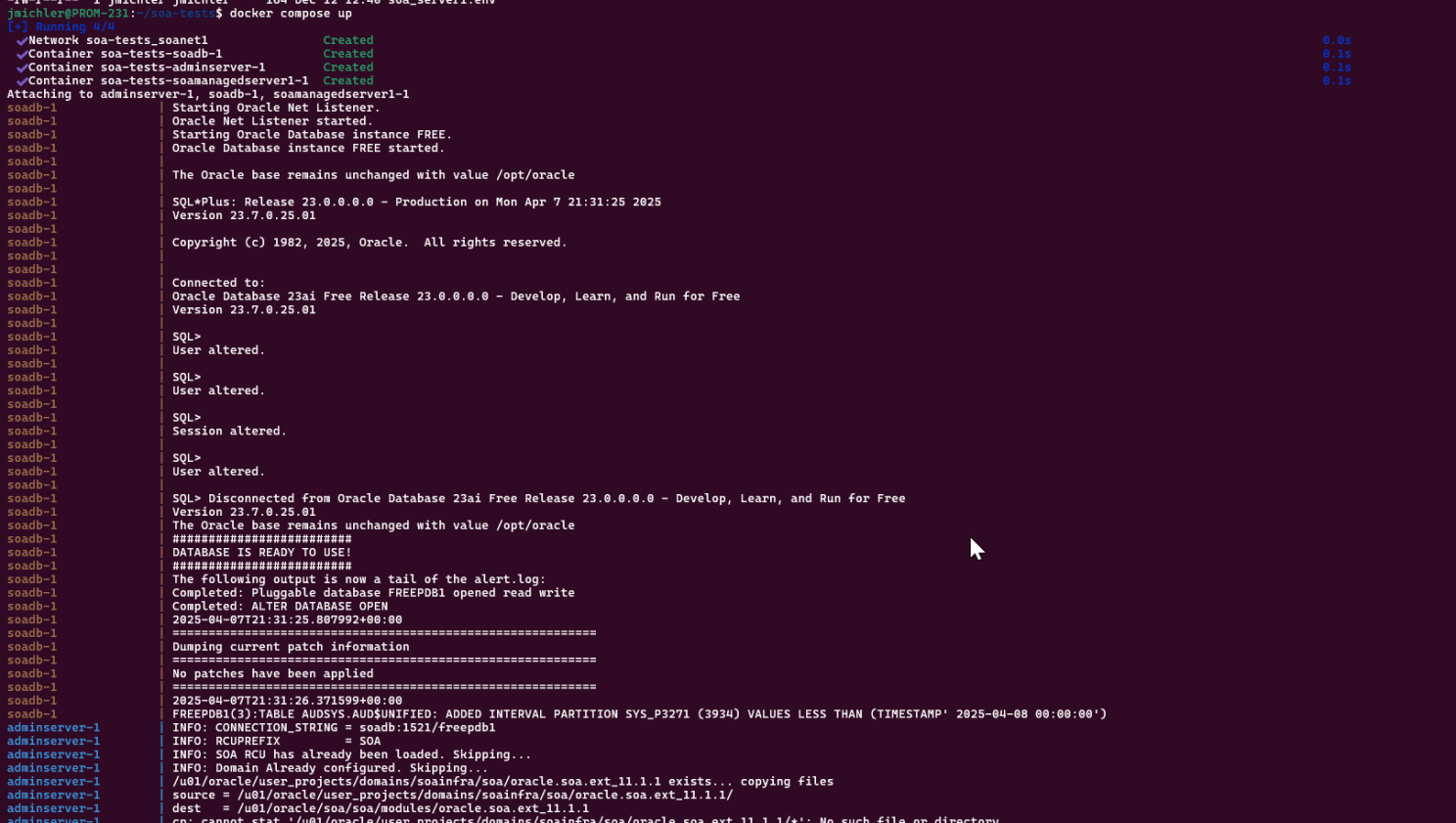
"docker compose up" starting the environment

Environment status after successful startup
Summary
As shown above, this procedure brings down configuring and starting a SOA Suite environment with the latest release level to a matter of minutes; greatly simplifying the operational overhead especially for a development environment.